- EMGuidance Scripts are authorised and signed using the prescriber’s digital certificate (Advanced Electronic Signature (AES)) provided by TrustFactory.
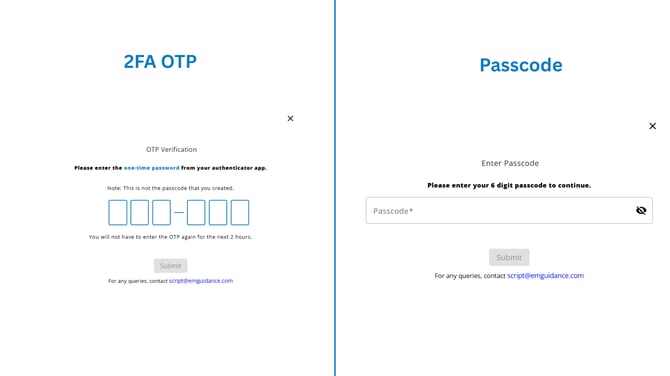
- Two-factor authentication (2FA) is used to enhance security. When you prepare to sign a prescription, you are prompted to enter a One-Time Pin (OTP) from your 2FA application.
- For the next 12 hours after the initial script is signed using the OTP, prescriptions can be signed using your EMGuidance passcode before another OTP is required.
- The passcode is a 6‑digit numeric code that you will be prompted to create and must remember. Once set, this code stays the same and is used to sign subsequent prescriptions within the 12‑hour period after the initial script has been signed with an OTP.
- The digital certificate details are securely encrypted onto the prescription PDF.
- If you receive an error when entering the OTP, please ensure your device’s date and time settings are accurate and set to the correct time zone.
- If the issue persists, you may reset your 2FA by clicking here and following the prompts, or re-enrol your 2FA on a new device through TrustFactory.
- Click here to request your backup code from TrustFactory.
- When experiencing AES signing issues, relink your AES certificate, sign out of EMGuidance and then sign back in.
- If you have forgotten your passcode and require a reset by sending an email or whatsapp text to our script support.